
Turn names and companies into contactable records
A name and company are often enough to begin an email-finding workflow. The result should still be verified and checked for relevance. Respect opt-outs, applicable privacy rules and the legitimate interests of the people you contact.
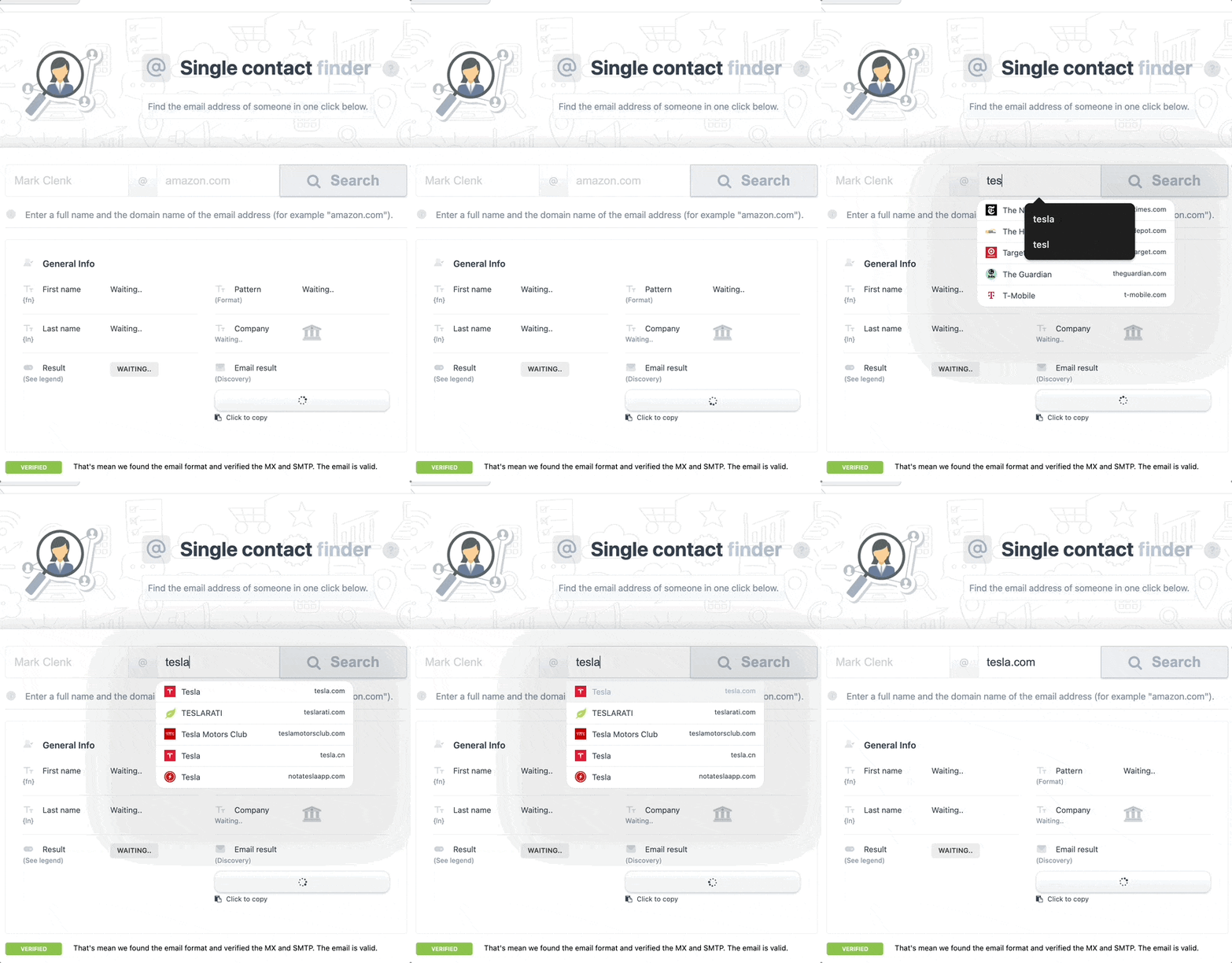
Find a single business email
Research an individual contact using their first name, last name and company or domain.
Process CSV lists in bulk
Upload larger lists to fill missing business email fields in a repeatable workflow.
Use company email patterns
Identify likely addresses from available company-domain patterns and supporting data.
How the business email finder workflow works
- Prepare first name, last name and company or domain fields and remove obvious duplicates. If you are starting with a broader market, follow the compliant B2B email-list workflow first.
- Run the finder, then separate complete, missing and uncertain results.
- Verify the addresses and contact only relevant prospects with a clear reason for the outreach.
Practical use cases
- Complete an event attendee prospect list.
- Find decision-maker emails for account-based outreach.
- Fill missing CRM contact records.
- Support agency list-building projects.
Connect it to the rest of your lead-generation workflow
A2ZLeadZ brings research, verification, enrichment, outreach and website conversion tools into one account. Use Email Verification API and Lead Enrichment API before or after this step to keep your data moving without another disconnected subscription.
See the Trial and $99 Pro plan comparison for current platform limits.
Evaluating a larger database-led platform as well? Read our A2ZLeadZ vs Apollo comparison for differences in prospecting depth, verification, outreach, pricing and small-team fit. For an email-first comparison, see our Hunter alternative guide.
Email Finder FAQs
What information do I need?
Use the prospect’s first name, last name and company name or domain for the strongest workflow.
Can I upload a CSV?
Yes. The product supports bulk CSV processing.
Are found emails automatically safe to contact?
No. Verify the address, confirm relevance and follow applicable privacy, consent and anti-spam requirements.
How many searches are included?
The Trial currently includes 1,000 name-based email searches and 500 single-contact searches. Pro provides unlimited access.
Try Email Finder inside A2ZLeadZ
Start with the free Trial. No credit card is required, and you can upgrade when your workflow needs more volume.